

13 May 2025
10 min read
Getting Started with Docker: Install & Run Containers on Debian
Docker has become one of the most popular tools for modern application deployment. Whether you're building websites, APIs, or enterprise software, containers help you package applications together with everything they need to run consistently across different environments.
In this guide, you'll learn what Docker is, why developers use it, and how you can install Docker Engine on Debian to start running your first containers.
Docker makes application deployment simple by packaging software into lightweight containers.
What is Docker?
Docker is an open-source platform that allows applications to run inside isolated environments called containers. Instead of installing software directly on your operating system, applications are packaged together with their dependencies, ensuring they work the same way on every machine.
Unlike traditional virtual machines, containers share the host operating system while remaining isolated from one another. This approach makes them faster to start, more efficient, and easier to manage.
Today, Docker is widely used for:
- Web application deployment
- Microservices architecture
- Development environments CI/CD pipelines
- Testing and automation
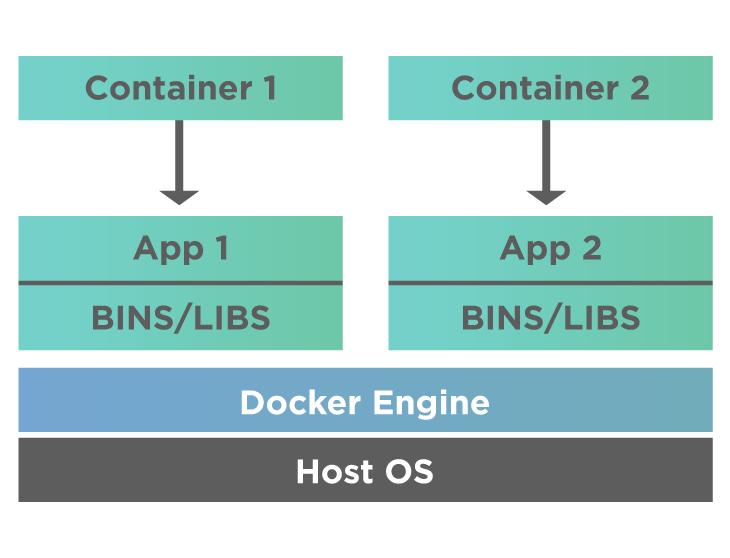
Containers provide lightweight isolation while sharing the host operating system.
Why Developers Choose Docker
Docker solves many common problems that developers face during deployment.
Applications often behave differently between development, staging, and production environments because of missing libraries, incompatible software versions, or operating system differences. Docker packages everything required by the application into a single container, making deployments predictable and repeatable.
Some of the biggest advantages include:
- Consistent environments across every machine
- Faster deployment and scaling
- Simplified dependency management
- Better resource efficiency than virtual machines
- Easy rollback to previous versions
Installing Docker on Debian
Installing Docker on Debian is straightforward. After adding Docker's official repository, you can install Docker Engine along with the required components.
Once installed, Docker runs as a background service and is ready to manage containers. Many developers also configure Docker so it can be used without administrative privileges, making everyday development more convenient.
Keeping Docker updated ensures you receive the latest features, security patches, and performance improvements.
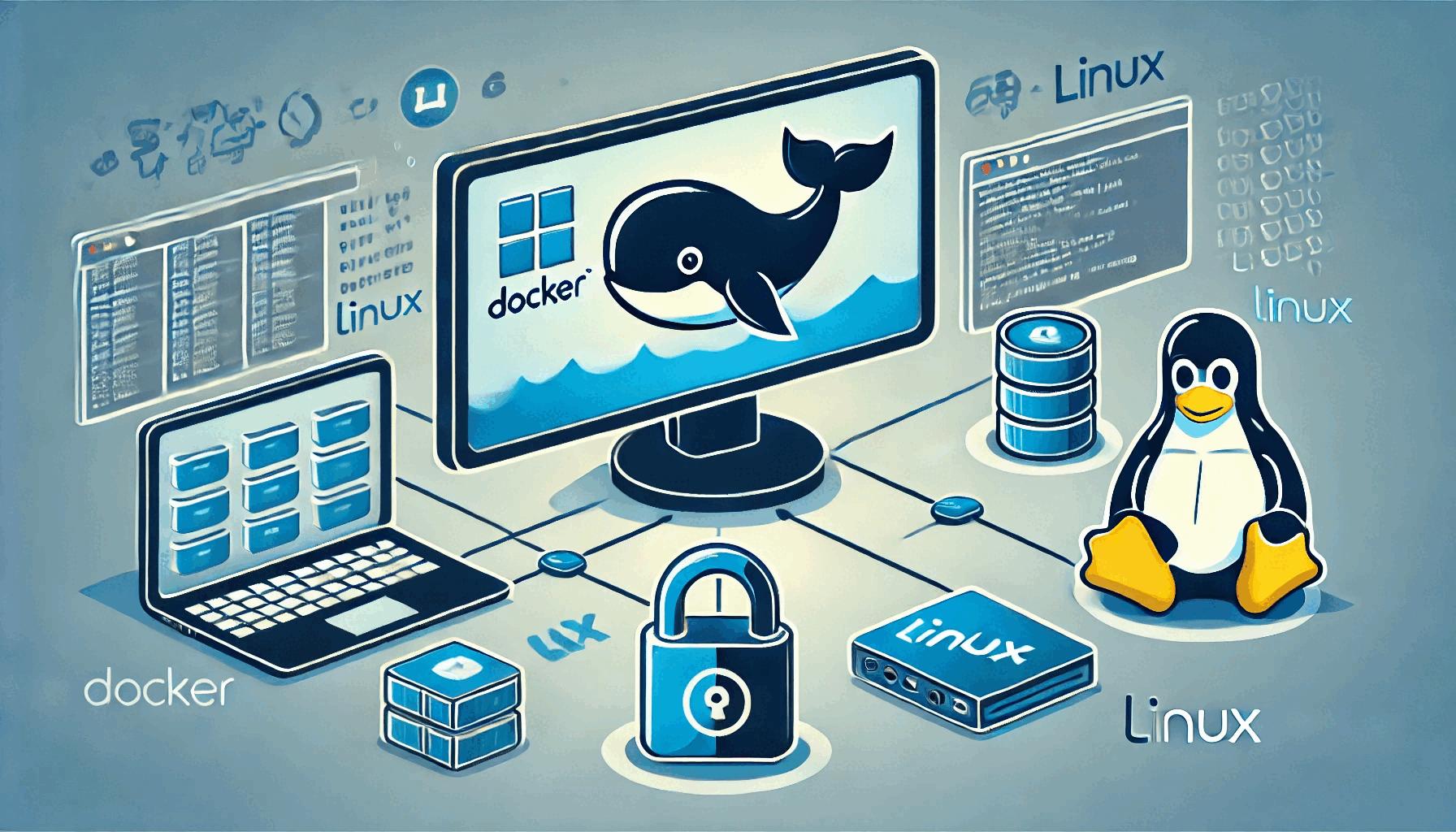
Docker Engine runs as a background service that manages containers on your system.
Running Your First Container
After Docker has been installed, you're ready to launch your first container.
Containers are created from images, which serve as templates containing the operating system, application, and all required dependencies. When Docker starts a container, it creates an isolated environment that behaves like a lightweight standalone system.
Running a simple container is an excellent way to verify that Docker has been installed correctly and that your system is ready for future projects.
Understanding Images and Containers
It's helpful to understand the difference between these two core concepts.
A Docker image is a reusable blueprint that contains everything needed to run an application.
A Docker container is a running instance of that image.
Think of an image as a recipe, while the container is the finished meal prepared from that recipe. You can create multiple containers from the same image, and each runs independently.
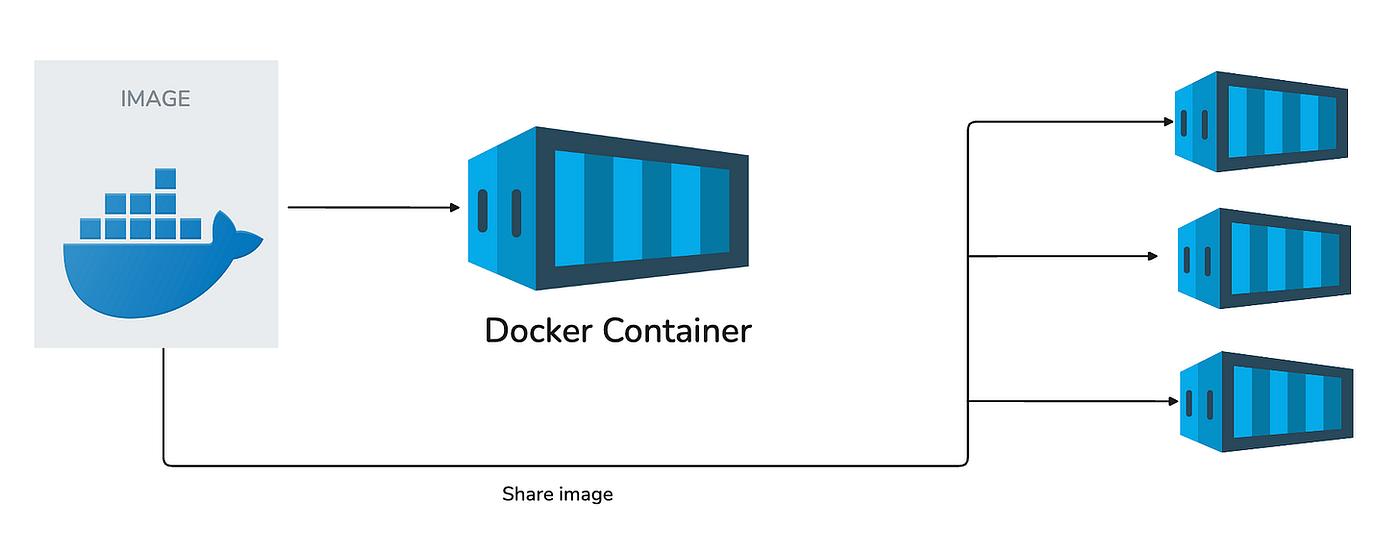
Multiple containers can be created from the same Docker image.
Everyday Docker Workflow
As you become familiar with Docker, you'll typically follow the same workflow:
- Download or build an image
- Create a container
- Start the application
- Monitor logs and performance
- Stop or remove the container when it's no longer needed
This simple lifecycle allows developers to quickly test applications, deploy updates, and reproduce environments whenever necessary.
Conclusion
Docker has become an essential tool for modern software development because it simplifies deployment and improves consistency across environments.
Once Docker is installed on Debian, you can begin experimenting with containers, build your own images, and gradually move toward more advanced technologies such as Docker Compose and Kubernetes.
Even a basic understanding of Docker can significantly improve your development workflow and make application deployment faster, more reliable, and easier to maintain.