

Test Your Connection to Atlantic.cloud
Measure latency and packet loss between your location and Atlantic.cloud servers.
How it works
Deploy in seconds on our globally distributed, high-performance network.
Enter your target
Paste a URL, hostname, or IP address. Only the host is tested, not a specific page.
Ping around the world
Each location sends 4 ICMP packets and measures the time it takes to receive a reply.
Compare the results
Review min, average, and max latency alongside packet loss to spot regional issues.
Сheck your server’s response time worldwide
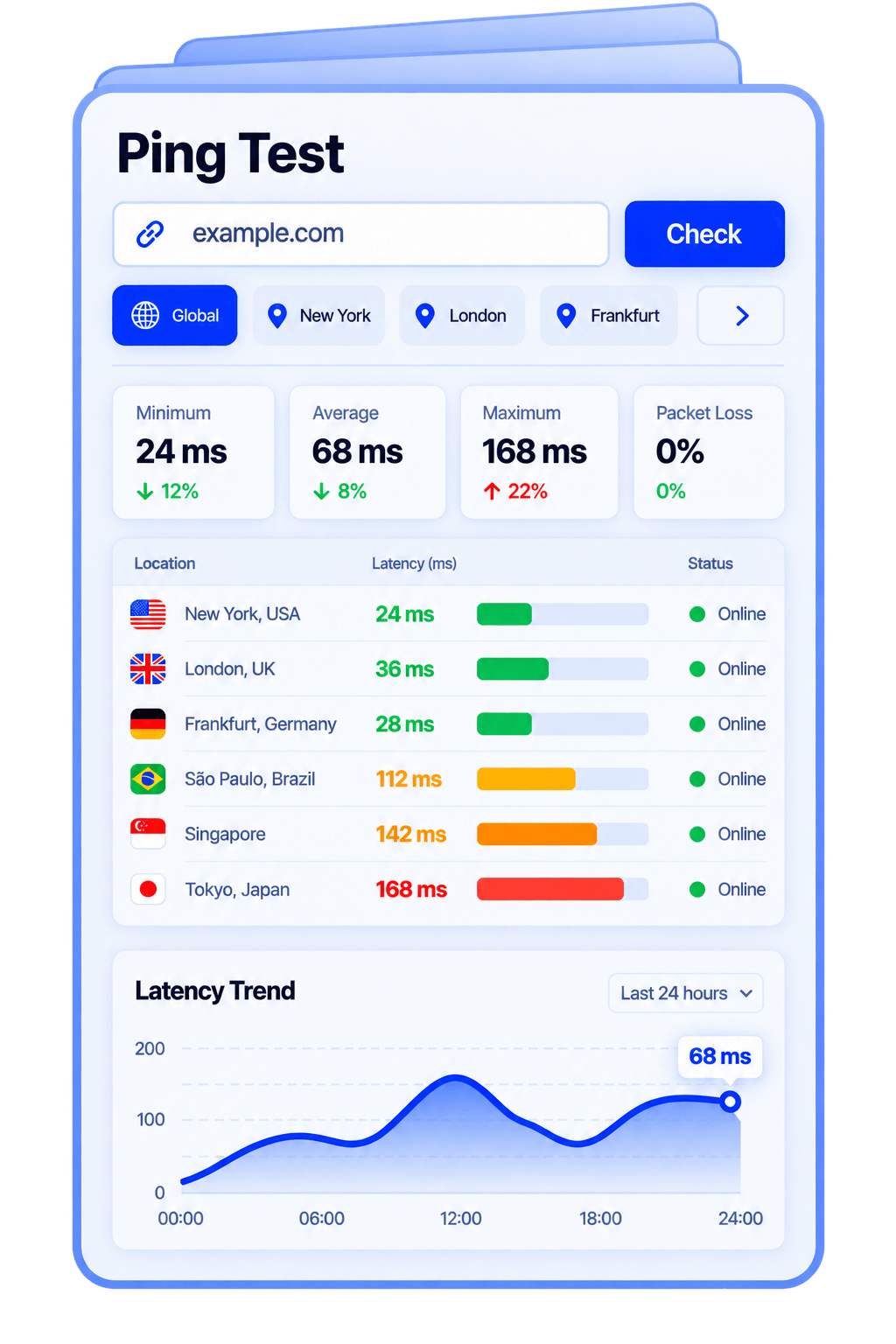
Test reachability from multiple locations
One address. Global checks. Clear results.
Find out how quickly your server responds from different parts of the world. Enter a domain or IP address to compare latency, check packet loss, and see which locations receive a reply. Whether you’re investigating a connection issue or checking a recent server change, get a clear snapshot of network reachability—all in one place.
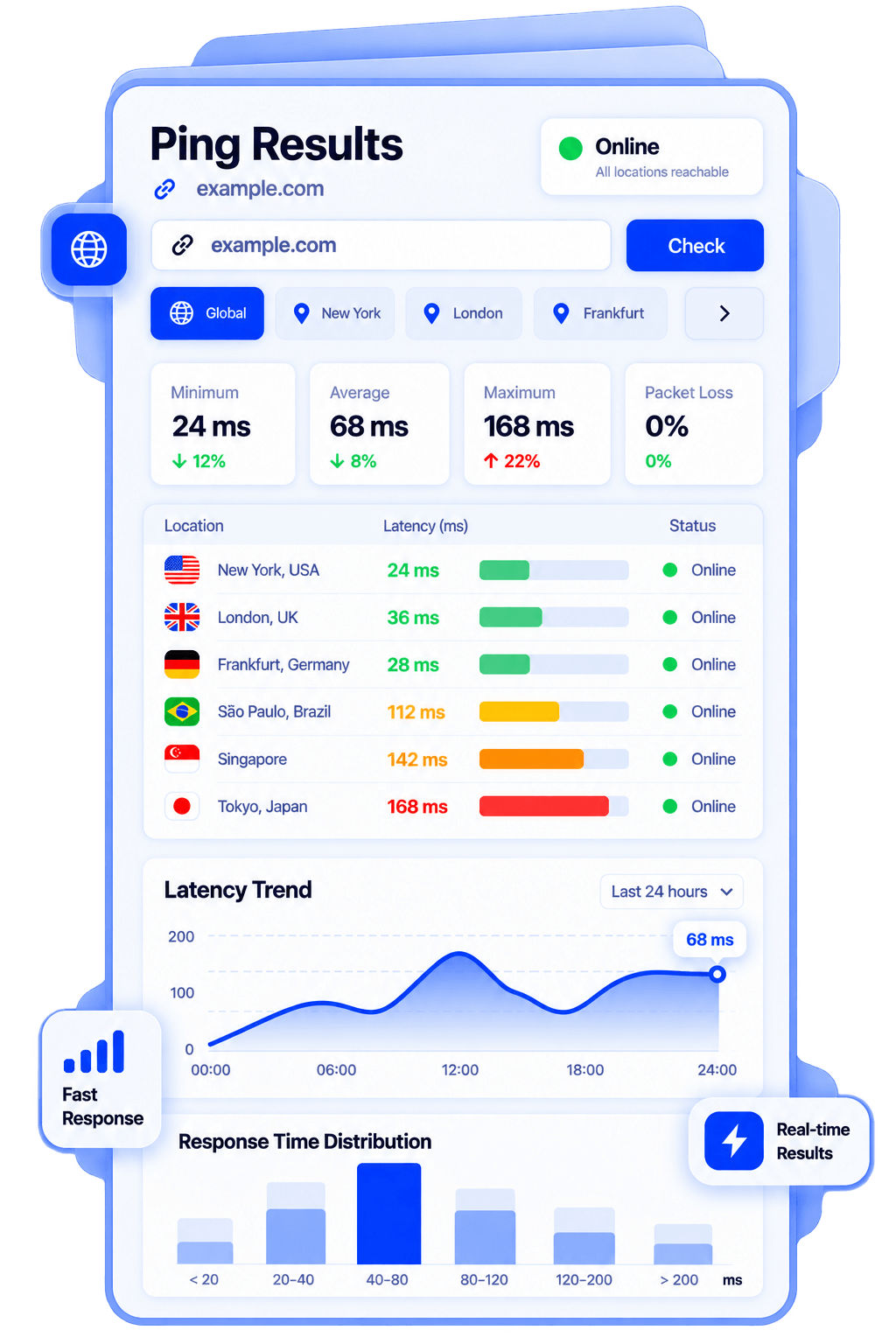
Understand every ping result
Read the key metrics at a glance and spot differences between locations.
- Minimum, average, and maximum latency
Compare round-trip response times in milliseconds. Lower latency means a faster response; a wide range can indicate an inconsistent connection.
- Packet loss
See the percentage of ping requests that received no reply. Repeated packet loss may point to congestion, filtering, or connectivity issues. - Online or offline status
Check whether your server responds to ping requests from each location. Regional differences can help you narrow down where to investigate.
No reply doesn’t always mean your website is down. Some servers block ICMP traffic while still serving web pages normally. Use an HTTP check to confirm website availability.
FAQ


